
Basketball gets full game-management and analytics
We’re excited to bring the full set of game-creation, tracking, and analytics tools to basketball clubs. From now on, basketball teams using 360Player can manage games and performance with the same depth and structure we previously offered for football clubs.
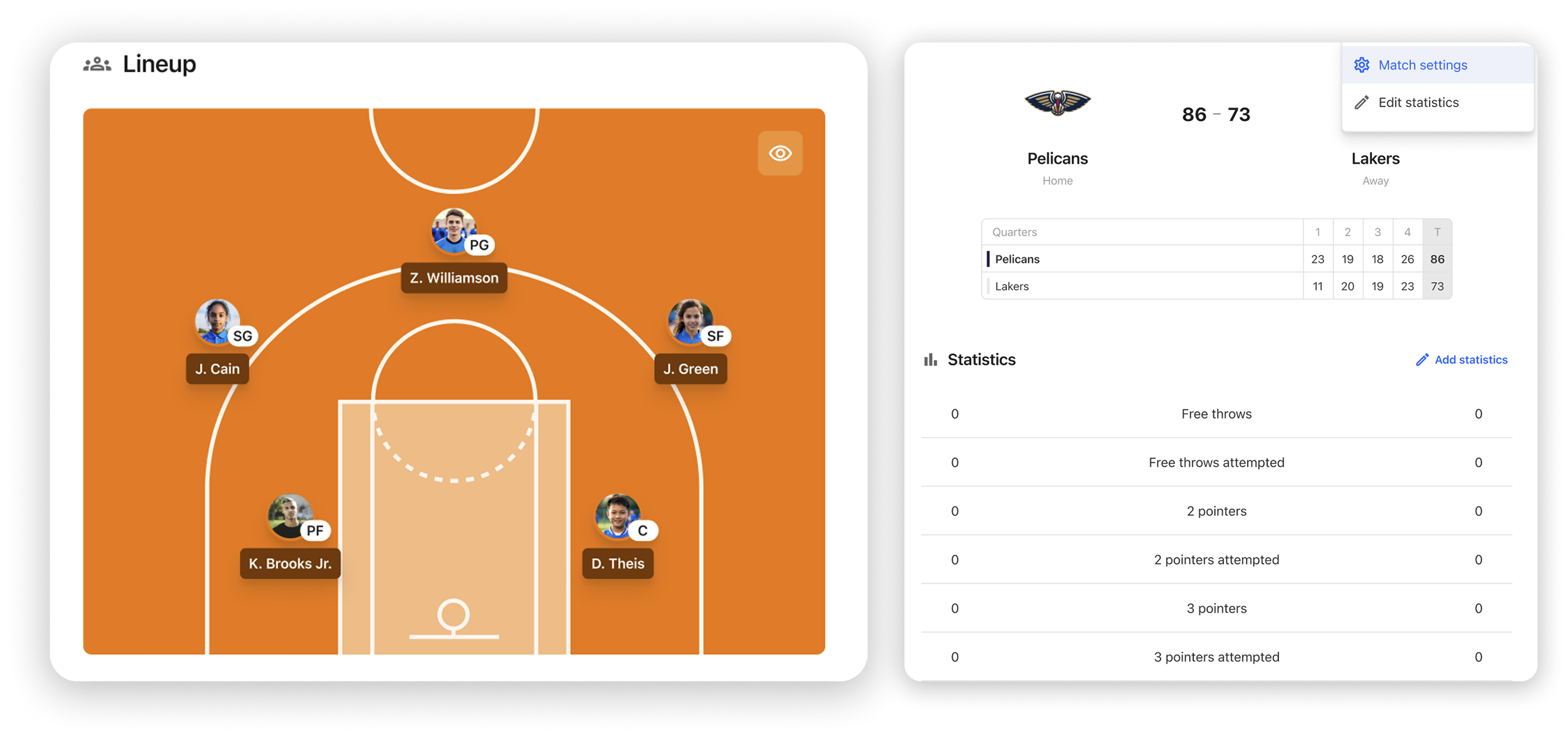
What this means for basketball clubs:
- You can set up games with basketball-specific structure(length for quarters/periods, format and court type), and manage opponents with names and logos.
- When you log game stats, it’s now possible to capture basketball-relevant details such as shot types, assists, turnovers, fouls and more, giving a full picture of performance.
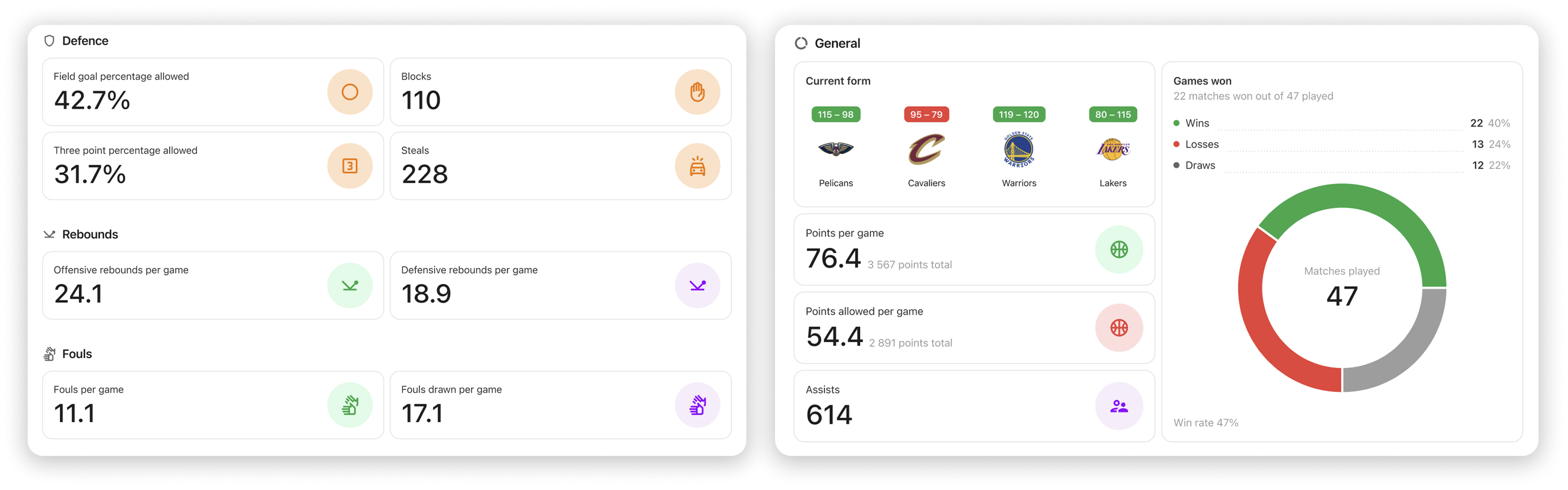
- Thanks to richer data input, coaches and staff get access to deeper team and player insights, not just box-scores but actionable analytics to support training decisions, tactical adjustments, and player development.
- Lineups, playing time, substitutions are all tracked more precisely, enabling you to follow minutes played, rotations, and participation trends across a season.
Other improvements
Opponents view with merge and delete
We’ve upgraded the opponents view to make team data cleaner and easier to manage across all sports. Clubs can now merge duplicates or delete old entries to maintain a consistent and accurate database.
Video improvements
Video workflows just got smoother with more reliable Veo URL handling and better mobile video behavior. Horizontal and full-screen modes now work properly, improving the experience for analysis and on-the-go viewing.
Sunsetting submit-as-guest setting in registrations
We’ve simplified the registration experience by retiring the legacy guest-registration flow, making room for a cleaner, more stable foundation. This change enables us to ship better, faster improvements to registration and onboarding moving forward.
Change product recipients on stand-alone invoices
You can now update the recipient of a product on a standalone invoice if it was assigned incorrectly. This helps administrators fix mistakes instantly without needing to recreate invoices, saving time and avoiding confusion for payers. Subscription connected invoices are not supported with this feature yet.
Added current payment method to subscription sidebar
Administrators can now see the currently active card directly on the subscription page. This provides better transparency and makes it easier to assist members with payment questions or upcoming renewals.
Confirmation needed before marking invoices as paid in bulk
A confirmation step has been added when marking invoices as paid in bulk. This reduces the risk of accidental updates and ensures financial records remain accurate and reliable.